
How-to
Hide your Elo and anonymize names on FACEIT
Three Privacy switches in the Appearance tab for screenshots, streams and clips.
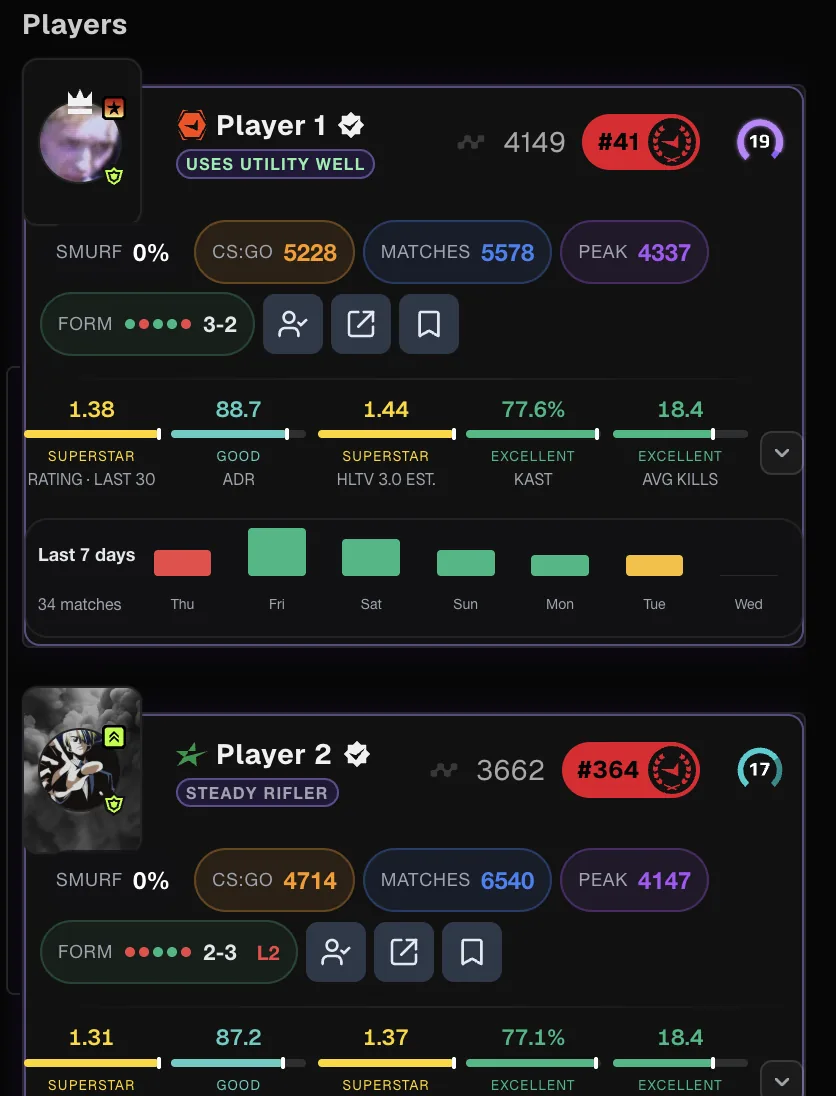
Why use them
FACEIT Extender's Privacy switches hide Elo and levels, replace names with Player 1 and Player 2 aliases and hide country ranking, which is useful for streams and screenshots.
Sometimes you want to share a screenshot, record a clip or stream without showing everyone’s name or rating. The Privacy switches change what you see in your own browser so the page is safe to share.
They arrived in version 0.6.0. Update the extension if you cannot find them.
Where the switches are
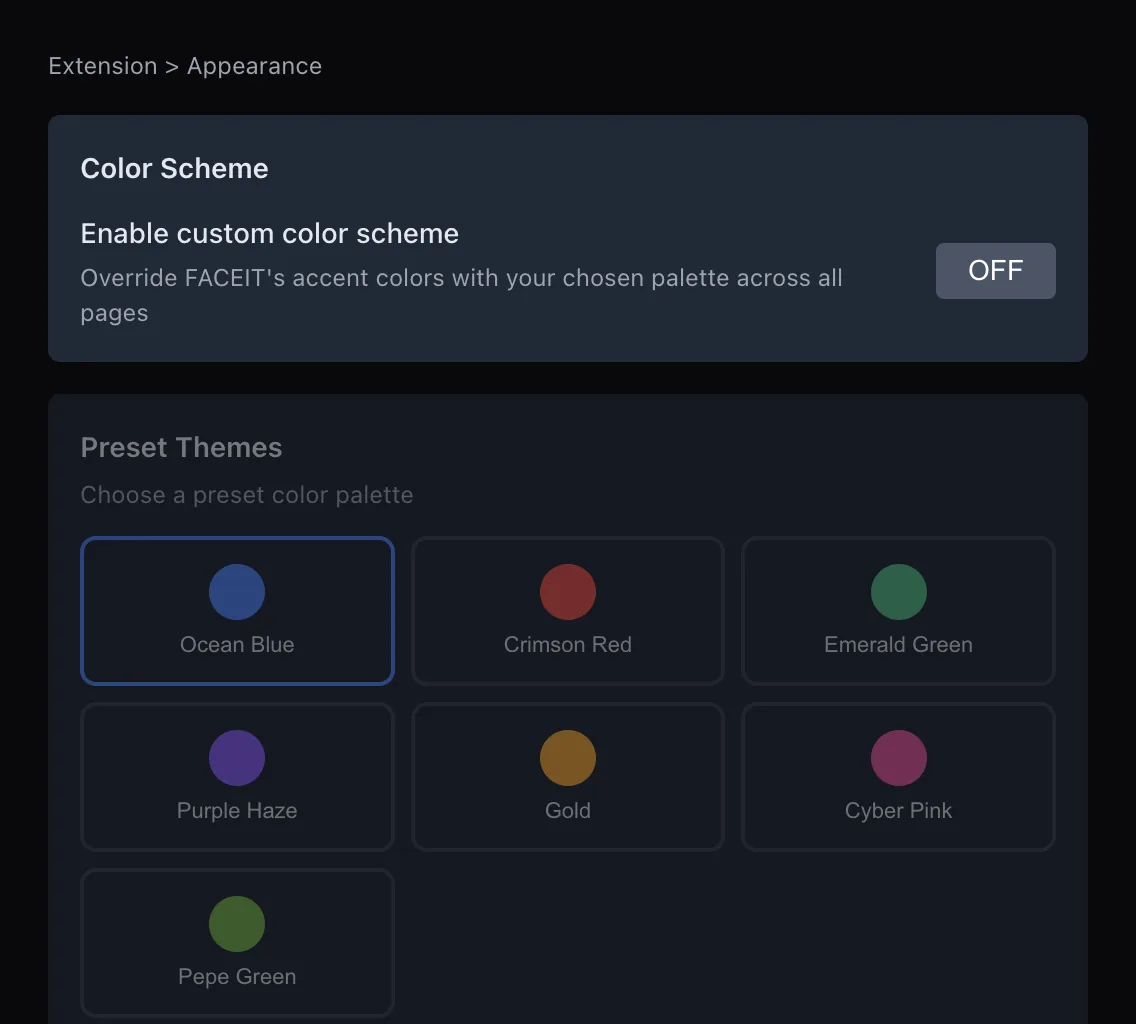
- Open the extension popup.
- Open the Appearance tab.
- Find the Privacy section and switch on the options you want.
- Refresh your FACEIT tab if something still shows.
The three switches
| Switch | What it does |
|---|---|
| Hide country ranking | Removes the country leaderboard position. The regional ranking stays visible. |
| Hide ELO | Hides Elo values, charts and all skill levels across FACEIT, including extended levels. |
| Anonymize player names | Shows consistent Player 1, Player 2 aliases across FACEIT. Profile links still work. |
Hidden Elo stays hidden in match history and matchmaking. The aliases are consistent, so the same player keeps the same alias while you browse.
Good to know
- These switches only change your view. Other players still see what they normally see.
- They do not change anything on your FACEIT account, and presets and Toggle All Features never flip them, so your choice stays as you set it.
- They also suit coaching: hide Elo so a review is about decisions rather than rank. Rating, ADR and map data stay visible. Pair them with Quiet mode so nothing in the extension changes during a live stream.
- Extender’s own badges that show Elo, such as peak Elo or CS:GO Elo, are hidden along with the rest.
- If you also run another FACEIT extension in compatibility mode, hiding Elo hides that extension’s Elo figures too.
- Check the page yourself before you publish a clip. If something still shows, report it on the support page.
What stays visible
The switches hide numbers and names, not the match itself. Maps, scores, round results and your own stats other than Elo remain on screen, which is usually what you want to show.
If you want to hide even more of the page for a recording, try Focus mode in the match room, which removes both rosters from view.
Before you share a clip: a checklist
- Switch on the Privacy options you need and refresh the page.
- Open the match room, the matchmaking lobby and your profile once, and look for anything still readable.
- Check that nicknames in the roster, the team summary and any Extender badges show aliases or are hidden.
- Remember that chat messages and anything outside the page, such as notifications on your desktop, are not changed.
These switches protect what you show, not what you type. Take care with the chat and the voice channel.
A streaming setup
- Switch on Hide ELO and Anonymize player names.
- Switch on Hide country ranking if your own ranking is not for show.
- Optionally use Focus mode in the match room to keep the page simple. See the toolbar guide.
- Switch them off again after the stream.
See the appearance section of the features page for the other look-and-feel options, and install the extension from the download page.
Related guides
FACEIT Extender is free for Chrome and Firefox: download it or read what it is and does.
Frequently asked questions
- Does Hide ELO hide my level too?
- Yes. It hides Elo values, charts and skill levels, including extended levels.
- Can other players see my aliases?
- No. Aliases and hidden values exist only in your own browser.
- Do profile links still work with anonymized names?
- Yes. Links to profiles keep working while names are replaced.
Comments
Comments load in your browser.