
How-to
Use FACEIT Extender and Repeek together
Compatibility mode keeps the other extension’s interface and lets Extender fill the gaps. Here is how to switch it on and what to expect.
Can you run both?
You can run FACEIT Extender and Repeek together: turn on Extension compatibility in Extender so Repeek's UI takes priority where features overlap and Extender fills the gaps.
Yes. Repeek and FACEIT Extender are independent extensions that both add information to FACEIT pages. Many players want both, so Extender has an optional compatibility mode for the places where they overlap. Repeek is made by someone else and is not affiliated with us.
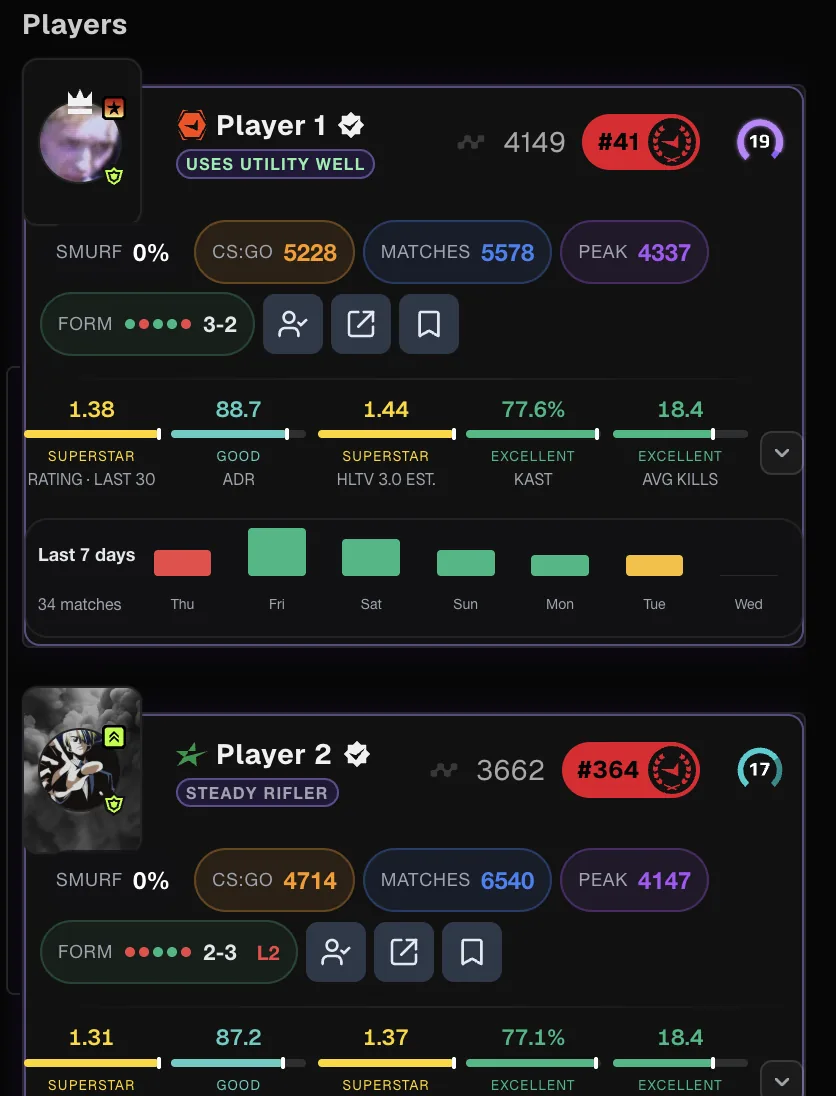
Without it, you could see the same stat, flag or badge twice on a card. With it, Extender yields where the other extension already shows something and keeps adding the rest.
Answer the prompt
When Extender detects another FACEIT extension, a small box appears at the bottom left of the page: “Another FACEIT extension is active”. It offers two choices.
- Make compatible: keep both extensions and let Extender fill the gaps.
- Disable other extension: opens your browser’s extension settings so you can turn the other one off. If the settings cannot be opened, the box asks you to open them yourself.
Your answer is remembered. Compatibility is opt-in, so nothing changes until you choose it.
Switch it on or off later
- Open the extension popup from your browser toolbar.
- Open the Appearance tab and find the Compatibility section.
- Switch Extension compatibility on to keep the other interface, or off to restore your normal Extender layout.
- Refresh your FACEIT tab to be sure the layout is fresh.
The switch does nothing while no other extension is detected on the page. It is a personal choice: presets and Toggle All Features never change it.
What changes in compatibility mode
- Extender hides its own country flag and extended stats row on cards where the other extension already shows them.
- Extender adds spacing so its panels sit cleanly under the other extension’s match room layout.
- If you use Hide ELO, the other extension’s Elo figures are hidden too, so your Elo stays hidden everywhere.
- Auto-veto pauses, so only one extension can ban a map at a time.
- On player profiles, Extender’s own extended match history table is not shown.
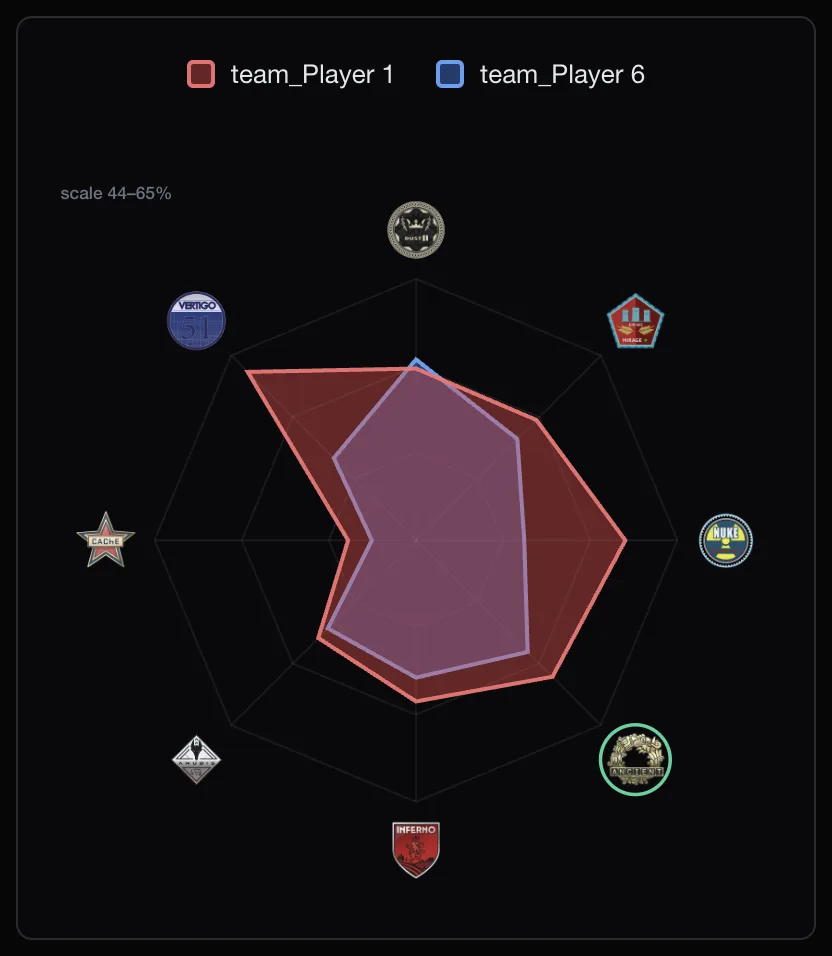
Everything else Extender adds stays in place: Have We Met, tracking, the map comparison, smurf estimates and the AI briefing, subject to your own switches.
Who it is for
Compatibility mode suits players who like the other extension’s look and want Extender’s extra tools around it: Have We Met, tracking, the map comparison and the briefing.
If you would rather use one extension at a time, choose Disable other extension in the prompt, or turn either extension off in your browser’s extension page. Both ways are reversible.
If something overlaps
- Check that Extension compatibility is on in the Appearance tab.
- Open the Matchroom or Player Lobby tab and switch off any Extender badge or stat you do not want next to the other extension’s.
- If the layout still looks wrong after an update of either extension, tell support which page and which extension version you used.
For a broader comparison of the two, see best FACEIT extensions in 2026. The settings section of the features page lists the other switches, and the download page has Extender.
Related guides
FACEIT Extender is free for Chrome and Firefox: download it or read what it is and does.
Frequently asked questions
- Is compatibility mode on by default?
- No. It is opt-in, so you choose whether to keep both interfaces.
- Does it work with extensions other than Repeek?
- The mode is built around Repeek and detects it specifically. The on-screen prompt calls it “another FACEIT extension”.
- Why did auto-veto stop?
- With compatibility on and another extension detected, Extender pauses auto-veto so the two do not both try to ban a map.
Comments
Comments load in your browser.