
Guide
How to spot a smurf on FACEIT, and what a smurf checker can tell you
Account age, performance far above level, sudden stat spikes: the signals behind a smurf estimate and how to use one fairly.
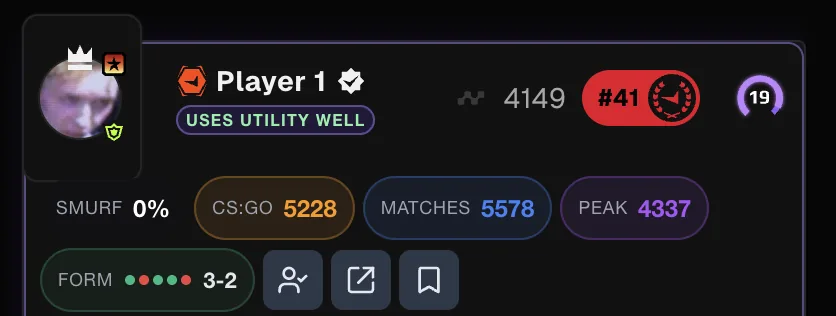
What counts as a smurf
FACEIT Extender gives each player a 0-99% smurf estimate based on visible signals; treat it as a reason to look closer, not proof.
A smurf is an experienced player on a new or low-ranked account, playing against people far below their real level. Some do it to play with lower-ranked friends, some to win easily. The opposite also exists: an old account kept at a low level on purpose by losing matches, often called rank tanking.
Neither is easy to prove from the outside. What you can do is look at the account’s history and see whether it fits the level it shows.
Signals to check yourself
- Account age compared with level. A two-week-old account at level 8 climbed very fast.
- Win rate and match count. A win rate well above 60% over fewer than 100 matches is unusual.
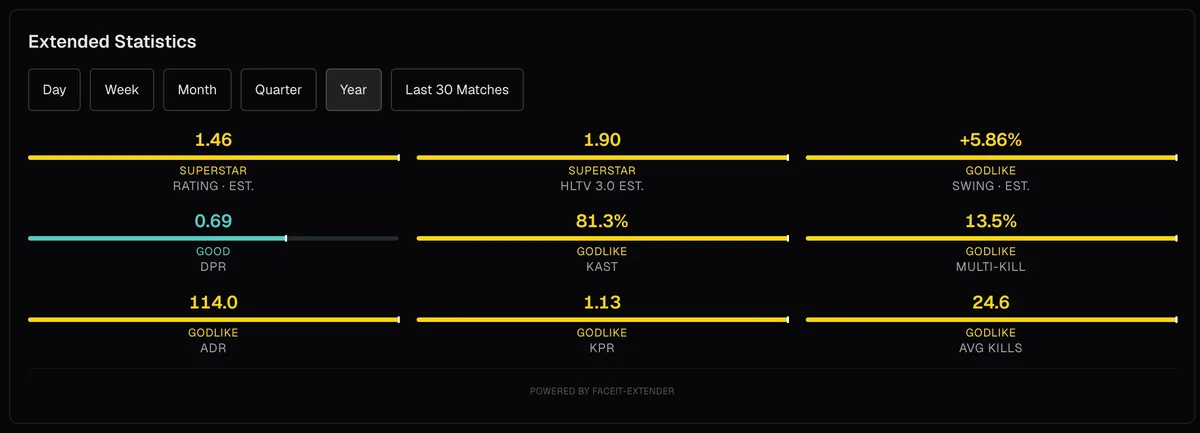
- Kills per round and K/D far above the rest of the lobby.
- A recent jump: this month’s or today’s numbers much better than the account’s lifetime numbers.
- A sudden increase in how often the account plays.
- Few friends and no other games on the account.
- FACEIT itself asking the account for anti-cheat or identity verification.
One signal alone means little. Good players improve, and new accounts belong to real beginners too. Several signals together are what make an account worth a closer look.
How the extension’s smurf estimate works
FACEIT Extender turns those signals into a percentage from 0 to 99, shown on player cards in the lobby and match room. It scores account age, performance, how fast the level rose for the account’s age, account characteristics, recent stat spikes, FACEIT verification flags and rank-tanking patterns, then combines them with fixed weights.
Some rules keep the number honest. Veteran accounts are damped heavily: the score falls towards zero as the match count approaches 3,000, because smurfs do not realistically have thousands of matches. A high K/D only raises the score on newer or low-match accounts, not on experienced players who are simply good. Low K/D and low kills per round pull the score down.
The smurf estimate section on the features page lists where it appears.
What the estimate cannot do
The percentage is an estimate built from public data. It is not proof that someone is smurfing, and FACEIT does not use it.
It cannot see who is behind the keyboard, and it can be wrong in both directions: a gifted new player can score high, and a careful smurf who loses some matches can score low. Treat it as a reason to look at the profile, not as a verdict about a person.
What to do when you suspect one
- Open the player’s profile and check the match history for a sudden change in results.
- Look at the extended match history table to see Elo changes and stats match by match (guide).
- If you think the account breaks FACEIT’s rules, use FACEIT’s own report function.
- Save a note on the player with player notes so you recognise them next time.
The extension also has optional automatic reporting above a threshold you choose. It is off by default, acts on your behalf, and may conflict with FACEIT’s rules, so read the settings carefully before you use it. Smurf estimates are part of the free extension; get it for Chrome or Firefox.
To switch the smurf percentage on in the match room and decide what to do with it, see turn on the smurf score. Automatic reporting has its own page: Auto Report Smurfs.
Related guides
FACEIT Extender is free for Chrome and Firefox: download it or read what it is and does.
Comments
Comments load in your browser.