
Guide
Best FACEIT extensions in 2026: Repeek alternative or companion?
Different tools solve different problems. Here is what each one is built for, based on public listings, and how to combine them.
How this comparison was made
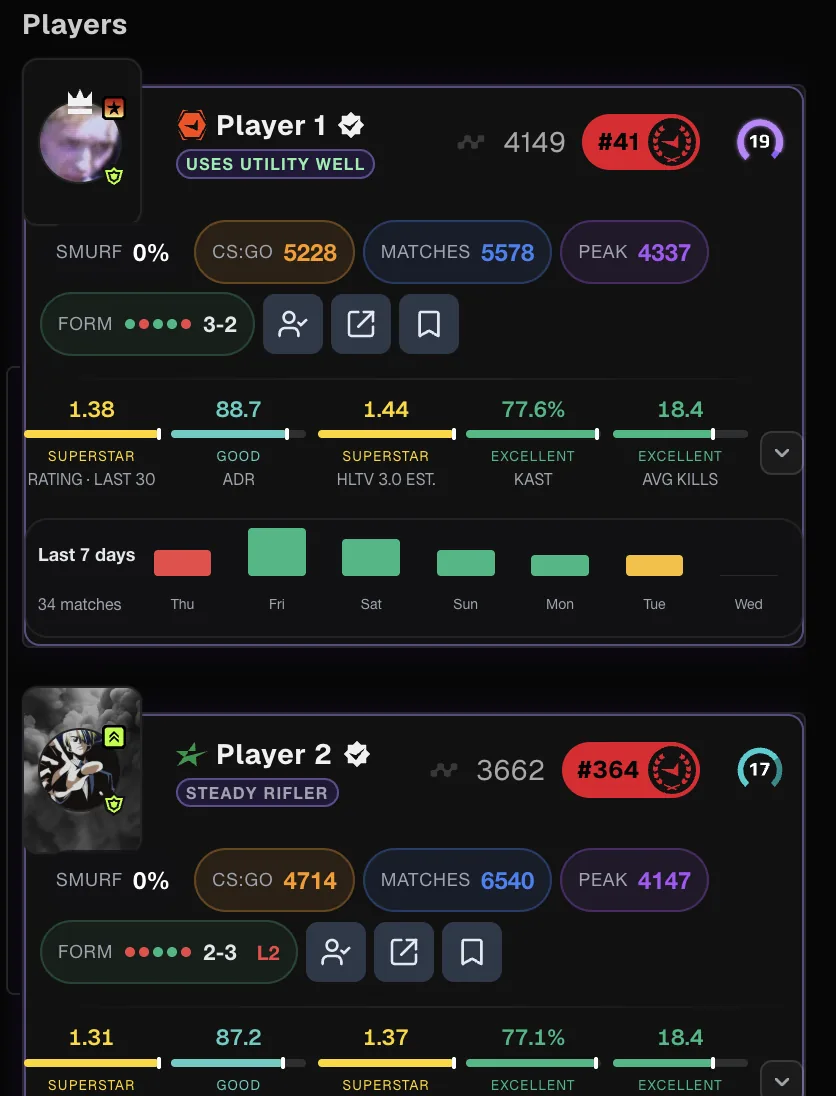
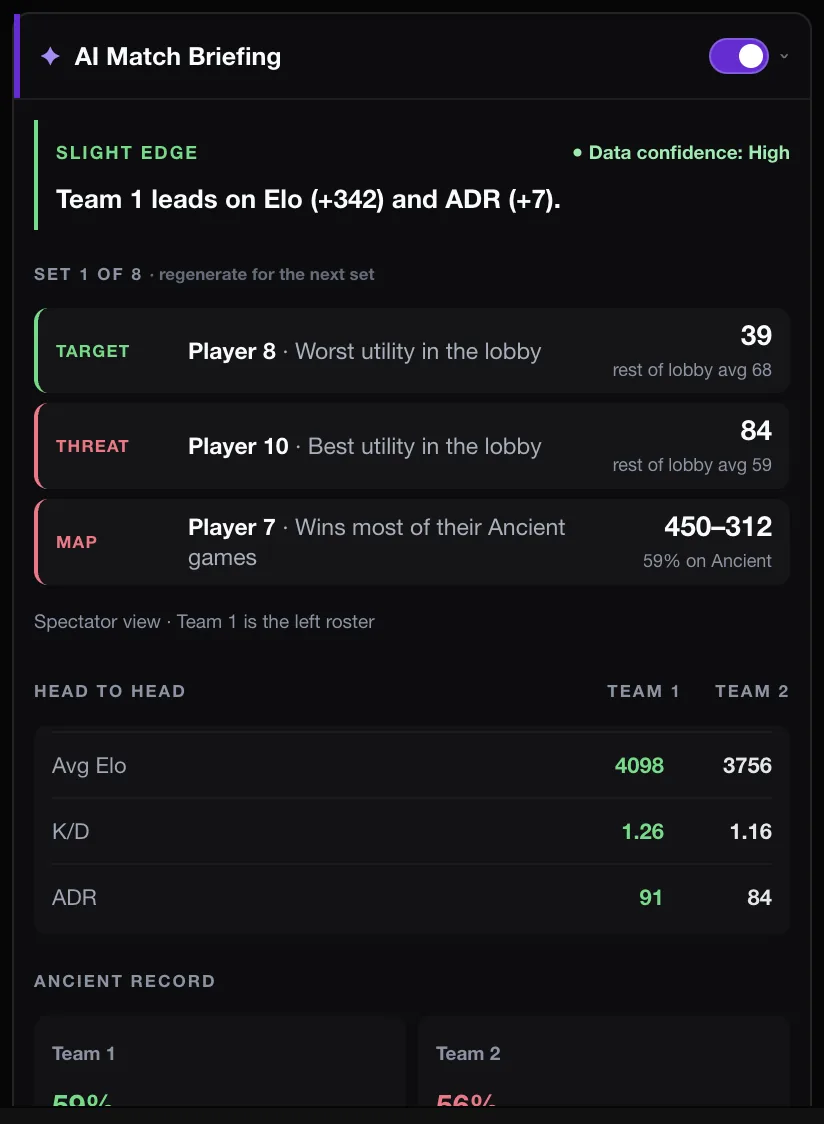
FACEIT Extender is a free browser extension for FACEIT that adds match-room stats, an opt-in AI briefing and a free demo viewer; this guide compares it with Repeek, Leetify and FACEIT Vision using only what each tool says publicly.
We build FACEIT Extender, so read this with that in mind. We only describe what other tools state on their own public pages, avoid user counts and ratings that change daily, and say plainly where another tool is the better fit. Check each store listing for current features and permissions before installing.
The tools at a glance
| Tool | Built for | Worth knowing |
|---|---|---|
| Repeek (formerly FACEIT Enhancer) | Quality-of-life on FACEIT: automatic ready-up, automatic party-invite accept, team Elo in match rooms, Elo change per match | Independent developer; states it is not affiliated with FACEIT |
| Leetify extension | Connecting FACEIT with Leetify: upload a match demo for a Leetify match report, CS2 stats on Steam profiles | Analysis happens on the Leetify service, so the demo is processed there |
| FACEIT Vision | Describes 2D replays on the match page without downloading demos, plus lobby tools | Separate developer; see its listing for what is free |
| FACEIT Extender | Match room and profile stats, AI match briefing, extended levels to 20, smurf estimate, map veto help and a browser demo viewer | Free; demo files are parsed locally in your browser |
These are not interchangeable. Repeek is mostly about convenience and small additions inside the FACEIT interface. Leetify is a separate analytics service with a browser helper. FACEIT Vision and Extender both include replay viewing, with different feature sets.
When FACEIT Extender is the better fit
- You want a demo viewer that works in the browser and keeps the file on your device.
- You want to compare many rounds of one player and draw on the map, covered in the viewer tutorials.
- You want extra context in the lobby: match room stats, a smurf estimate and extended levels.
If your priority is automatic ready-up or accepting party invites, Repeek describes those features directly and may be all you need. If you want your demos analysed on a dedicated analytics service, the Leetify extension is built for that.
Running FACEIT Extender together with Repeek
You do not have to choose. FACEIT Extender can detect Repeek and offers an optional compatibility mode. When you turn it on, Repeek’s interface takes priority where both tools show the same thing, and Extender fills the gaps instead of duplicating stats, flags or level badges.
- Install both extensions from your browser’s store, see the install guide.
- Open a FACEIT page. If Repeek is detected, Extender asks whether to enable compatibility mode.
- Choose the option you prefer. Your choice is saved, and compatibility remains opt-in.
- If something looks duplicated or misplaced, report it through support with a screenshot.
Both tools are developed independently and update on their own schedules. Compatibility depends on both staying current.
A simple way to choose
Start from the job you want done. Convenience in the FACEIT UI points to Repeek. A hosted analytics service points to Leetify. Reviewing demos in the browser and getting richer match-room context points to Extender, and the tools combine well. See the feature overview for the full list, or download the extension to try it.
If you already run Repeek, see use FACEIT Extender and Repeek together for compatibility mode.
Related guides
FACEIT Extender is free for Chrome and Firefox: download it or read what it is and does.
Frequently asked questions
- Is FACEIT Extender a Repeek alternative?
- It overlaps in places, but the focus differs. Extender concentrates on match context and a browser demo viewer. Many players run both, and Extender has an opt-in compatibility mode for that.
- Can I use FACEIT Extender and Repeek together?
- Yes. Extender detects Repeek and lets you enable compatibility mode, where Repeek’s interface takes priority on overlapping features.
- Do these tools ship with FACEIT?
- No. They are independent browser extensions and are not endorsed by FACEIT.
- Which extension is the best?
- It depends on what you need. Compare the jobs listed above and test one at a time.
Comments
Comments load in your browser.