
Guide
Supporter tier and claim codes: how to activate yours
Find your claim code, paste it into the popup, and see your weekly AI token allowance.
What the Supporter Tier is
FACEIT Extender is free; the optional one-time Supporter Tier adds a badge and more weekly AI tokens, and this guide shows where to find your claim code and enter it.
The core extension and the local demo viewer are free. The Supporter Tier is an optional one-time purchase that supports development. It adds a badge, which other extension users see in supported FACEIT views, and raises your weekly allowance of AI tokens.
- Free accounts get five tokens a week. Each supporter level adds five more.
- Each generated AI coach answer spends one token.
- Weekly tokens reset every Monday (UTC) and do not roll over; per-match limits apply.
The current price is shown on the support page when you buy.
Buying on the website
- Open the support page and find Supporter Tier.
- Choose how many levels, then Add to basket.
- Check out through PayPal.
- On return, the page shows Your supporter code. Copy it and keep it, because it is shown only once.
Your badge appears after the payment is processed. Payments go through PayPal.
Enter the code in the extension

- Open the popup and choose the Get Supporter tab.
- Open Have a claim code?
- Paste the code (it looks like XXXX-XXXX-XXXX-XXXX) and select Save.
- You should see Code saved, with supporter tokens active.
A code that is not valid shows That doesn’t look like a valid code. You can clear or replace the code in the same place later.
Lost your code
Open the account page, select Log in with FACEIT, and your purchases and claim codes are listed. The popup’s Get Supporter tab also links to it with Open your account page. See signing in with FACEIT for what the login does.
If the tokens do not appear
- Make sure you are signed in to faceit.com in the same browser, so the popup knows your nickname.
- Re-save the code, then reopen the popup. The Get Supporter tab shows how many tokens you have left this week.
- Still wrong? Send a ticket from the support page with the category Supporter tier / payment.
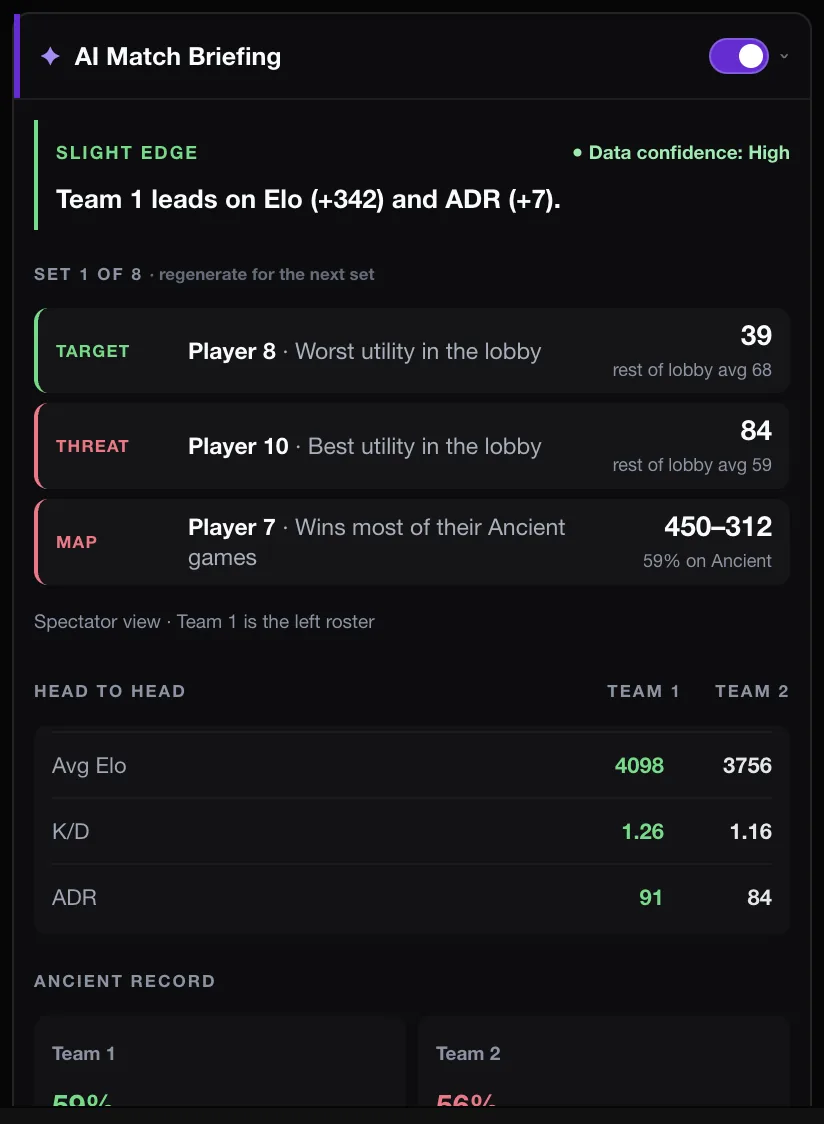
Install first if you have not yet: download page. The AI features are explained in the AI Match Briefing guide.
Good to know
- You buy on the website, signed in with FACEIT, so the badge goes to the right account.
- Buying several levels at once stacks the badge and raises the weekly allowance; the website caps how many you can buy at once.
- The badge appears next to your ELO in supported FACEIT views for other extension users.
- AI features are optional and have weekly and per-match limits. Coach answers can link to the rounds used as evidence.
- The supporter tier does not give you any rights to FACEIT data, content or services.
The local demo viewer stays free whether or not you buy. See the viewer and the docs on reviewing demos. If payment seems stuck, use the Supporter tier / payment category on the support page.
Related guides
FACEIT Extender is free for Chrome and Firefox: download it or read what it is and does.
Frequently asked questions
- Is it a subscription?
- No. The Supporter Tier is a one-time payment, with no subscription.
- I lost my code. What now?
- Open your account page and log in with FACEIT to see your purchases and claim code. If it is not there, send a ticket with the category Account / claim code.
- Do tokens roll over?
- No. Weekly tokens reset every Monday (UTC) and do not roll over, and per-match limits apply.
Comments
Comments load in your browser.