
Guide
CS2 map stats and the FACEIT map veto: how to ban and pick with data
Per-map win rates for both teams, the standout enemy player on each map, and a suggested ban and pick that you can check yourself.
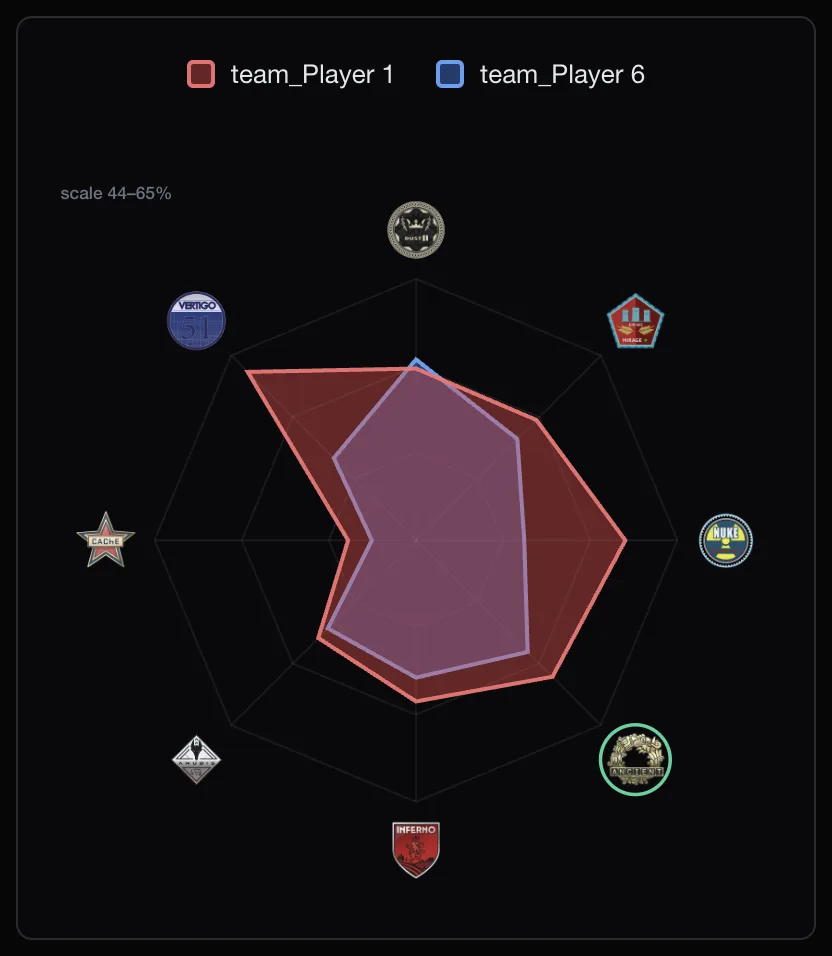
Why maps matter in the veto
FACEIT Extender shows per-map win rates in the match room and suggests a ban and a pick during the veto without spending an AI token; this guide explains how to read them.
In a FACEIT match the two team captains take turns banning maps until one is left. That map often decides more than any single player: most players have one or two maps they are comfortable on and one they avoid. Knowing both teams’ records turns the veto from a habit into a decision.
Per-map stats in the match room
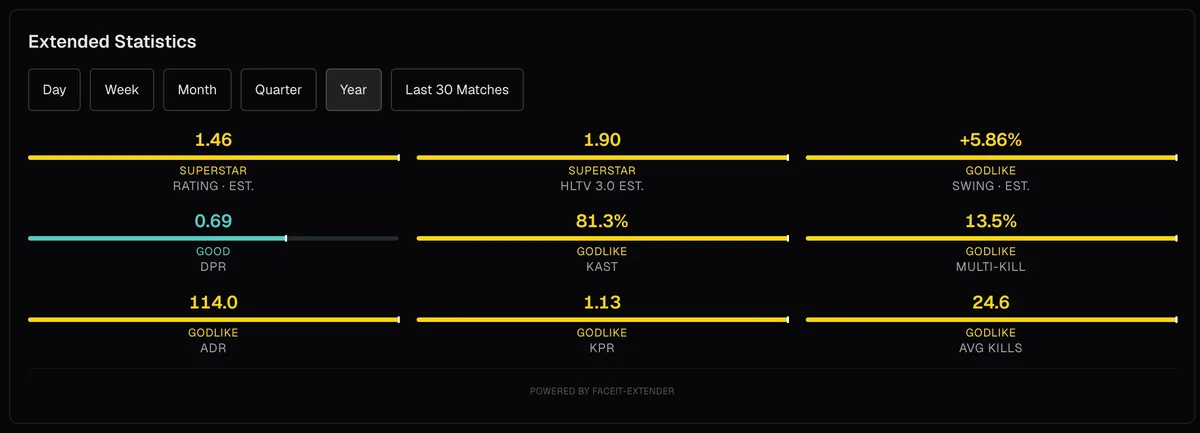
FACEIT Extender shows map data in several places:
- A per-map table on each player card with win rate and K/D/A for each map. A toggle switches between this and the regular extended stats.
- Each player’s best and worst maps, and the map they played last.
- A radar chart of map win rates for each team.
- In the lobby, your party’s win rate on each map card in the pool.
All of it follows the period you choose on the card, from a single day to a year or the last 30 matches. The map stats section of the features page summarises where each one appears.
How veto advice works
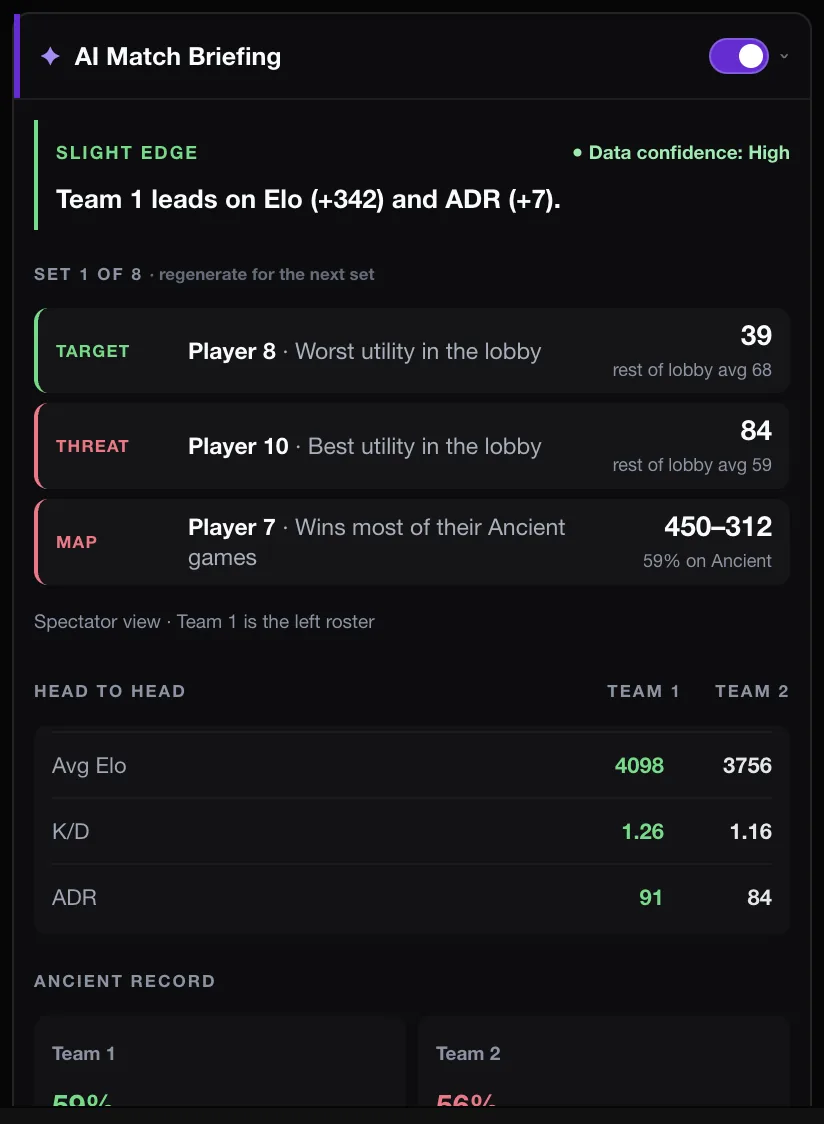
Veto advice compares both teams on every map still in the veto. For each map it adds up each team’s games and wins, so players with more games on a map count for more, and works out the difference between your team’s win rate and theirs.
- A team only counts as having a record on a map once its players have at least three games there between them. Below that, the number is noise.
- Each map gets a confidence label from the combined number of games: strong from 15 games, ok from 6, thin below that.
- The suggested ban is the map with the worst difference for you, and the suggested pick the one with the best, ignoring thin maps.
- For each map it also names the enemy player with the best record there, if they have at least four games on it.
The advice is calculated in the extension with fixed rules. It does not use AI and does not spend a token.
Using the advice well
The suggestion is advisory: you still make the veto click. Some reasons to overrule it:
- Your team agreed to play a map for practice.
- The samples are thin. A "strong" label means many games; an "ok" label is a hint.
- One enemy player is far better on a map than their team’s record suggests. The named threat shows this.
If you want to see why a map went badly afterwards, open the demo in the demo viewer and step through the rounds.
Turning it on
Map stats and veto advice are free. Install FACEIT Extender, then check the match room and lobby switches in the popup. Lobby map win rates need extended stats to be switched on.
To compare both teams’ maps in the match room and read the veto advice there, follow compare both teams’ maps and use veto advice. Captains who want maps banned for them can read how to set up auto-veto.
Related guides
FACEIT Extender is free for Chrome and Firefox: download it or read what it is and does.
Comments
Comments load in your browser.