
How-to
Follow a player in a CS2 round replay
The Players tab gives you the roster, the economy view and the round timeline in one place.
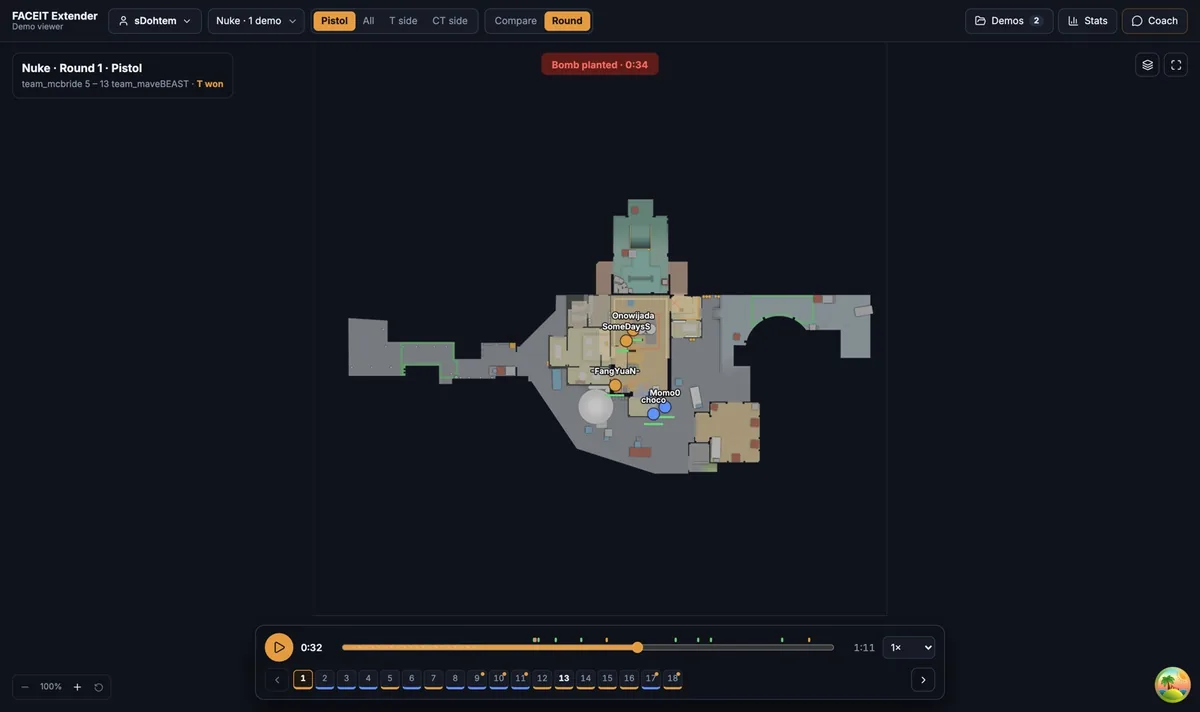
Open the roster
FACEIT Extender's demo viewer has a Players tab to follow any player, read health, weapon and grenades live and jump to two seconds before each kill.
- Switch to Round in the View control, or press the play button in a Compare row.
- Open the Players tab.
- Click a player to follow them. Click again to stop.
The tab lists Terrorists and Counter-Terrorists, with the round winner marked. A skull appears next to a player who has died.
Read the roster
- Health: a bar that turns red when it is low.
- Weapon, ammo and armour, including a helmet and a defuse kit when they have one.
- Grenades they still carry.
- K / D / A for the whole match, with extra detail on hover.
- A green microphone when they are talking, if the demo recorded voice.
Use this to answer economy questions quickly: who had armour, who bought utility and who was still holding a smoke when they died.
Jump along the round timeline
Under the roster is the Round timeline. Each entry is an event, such as a kill. Click one and the replay jumps to two seconds before it, so you see the setup and not only the result.
That is the fastest way to review a round: click the first entry, watch to the end of the fight, then click the next.
What following does
The followed player’s name, weapon and grenades stay highlighted on the map. In the 3D view, following also turns on the player-follow and first-person cameras, covered in the 3D view guide.
Review a team instead of one player
In the top bar, open the player control and switch to Team, then tick several players. Compare stacks their rounds together, and Comms plays only their voice. The Library’s Team lineup setting decides how many of them a demo needs.
Read the economy at a glance
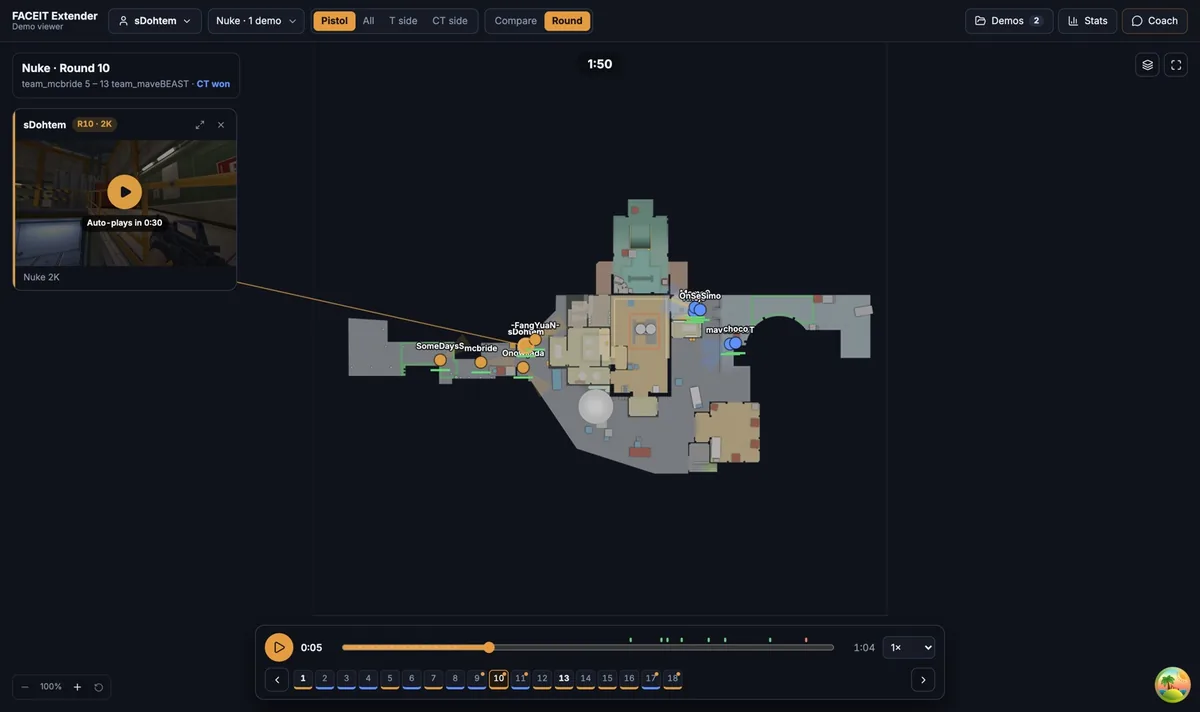
Before pressing Play, scan the roster for armour, helmets and grenades. A team with full utility and rifles plays differently from one on a force buy. The roster also shows the weapon a player died with, so you can see when a pistol met a rifle.
Hover a player’s K / D / A to see utility damage, enemies flashed and MVPs when the demo has them.
A short routine
- Follow the player whose rounds you are reviewing.
- Click the first timeline entry and watch to the end of the fight.
- Check the roster for who was alive and what they held.
- Click the next entry and repeat until the round ends.
This takes about a minute a round and keeps you focused on one player instead of ten.
Where to go next
For a repeatable routine, use the round review walkthrough. Open the free CS2 demo viewer to try it on your own matches, and install the extension if you want a Demo Viewer shortcut on finished match rooms.
Related guides
FACEIT Extender is free for Chrome and Firefox: download it or read what it is and does.
Frequently asked questions
- How do I stop following a player?
- Click the same player again in the Players tab or on the map.
- What does the timeline jump to?
- Each event in the Round timeline jumps to two seconds before it, so you see the build-up.
- Can I mute a player?
- Yes, if the demo has voice. Use the speaker next to the player.
Comments
Comments load in your browser.