
How-to
Review CS2 utility and grenade lines in a demo
Check smokes, flashes and molotovs in a replay and time a utility line without leaving the map.
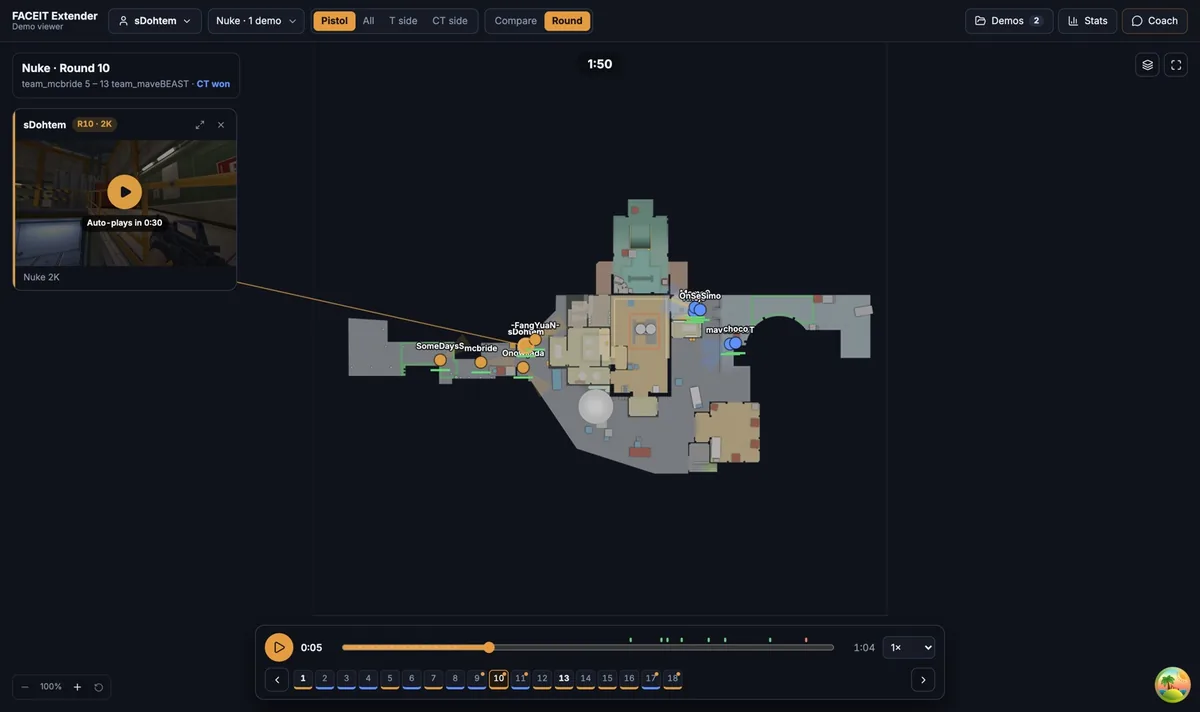
Switch on the utility layers
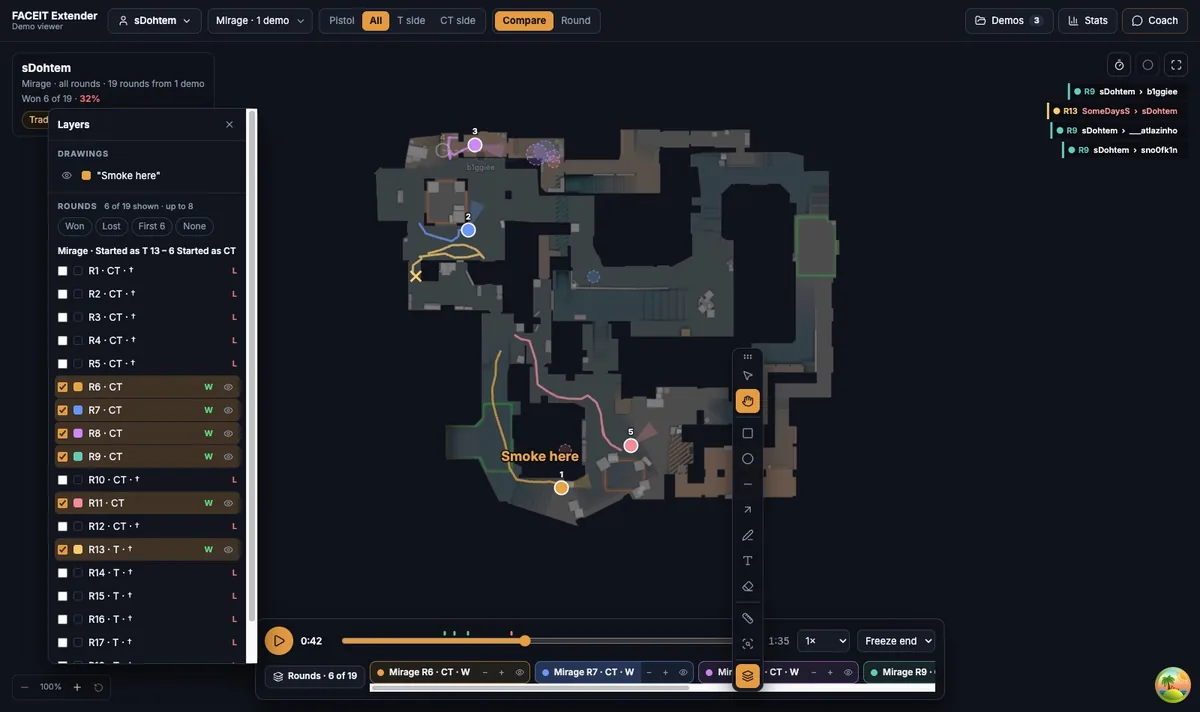
FACEIT Extender's demo viewer shows where grenades landed and how they flew with the Utility and Nade trajectories layers, and a stopwatch to time a line.
- Open the Layers tab (F7).
- Switch on Utility.
- Switch on Nade trajectories to see each flight. If it says (reimport demo), import the file again.
- Turn on Paths (12s) when you want to see who moved with the utility.
Smokes are drawn at their real size, so you can judge what they covered.
Review one throw
- Pick the round in the round strip.
- Follow the thrower from the Players tab. Their grenades are listed beside them.
- Scrub to a few seconds before the throw and press Play at 0.5× speed.
- Pause at the landing to see what the smoke or flash covered and who moved next.
The Players tab shows each player’s remaining grenades, so you can also see what a team still had in hand at a key moment.
Time a line with the stopwatch
The Stopwatch on the right of the playback bar times a rotation or a utility line. Press it to start and stop. While it runs, a Lap button records splits, and Reset clears them once it is stopped.
For example, start at the throw and stop when the smoke blooms to see how long the entry waited. Compare the same line in other rounds to see whether the timing is consistent.
Compare utility across rounds
In Compare, a dashed ring marks a grenade the selected player threw. Stack several rounds on one side, then watch where the rings cluster. Repeated rings on the same spot suggest a habit. Rings all over the map suggest a player is improvising.
What to trust
The replay is rebuilt from the demo on a simplified map. It is good for where and when. For the exact angle of a line-up or a jump throw, check the round in CS2 itself.
Questions utility review can answer
- Did the smoke go out before the entry, or after?
- Was the flash thrown early enough to blind anyone?
- Did the team hold a molotov for a post-plant, or use everything on the opening?
Write the answer for each round, then compare the rounds. Utility habits are more visible across a handful of rounds than in any single one.
A utility review routine
- Pick one side and one map so the grenades are comparable.
- Switch on Utility, Nade trajectories and Names.
- Play each round at 2× and pause whenever a smoke or flash lands.
- Note the time with the stopwatch, then compare the notes across rounds.
Ten minutes of this on a single map is usually enough to show whether a team’s default is rehearsed or improvised.
Where to go next
See also the layers guide for the full list of map layers. Open the free CS2 demo viewer to try it on your own matches, and install the extension if you want a Demo Viewer shortcut on finished match rooms.
Related guides
FACEIT Extender is free for Chrome and Firefox: download it or read what it is and does.
Frequently asked questions
- Can I see how a grenade flew?
- Yes. Switch on Nade trajectories in the Layers tab. Older imports may need to be imported again.
- Does the viewer give pixel-perfect lineups?
- No. It is a reconstructed map for timing and positioning. Use the game’s own playback to inspect an exact throw.
- How do I time a utility line?
- Use the Stopwatch on the right of the playback bar: start it at the throw and stop it when the effect lands.
Comments
Comments load in your browser.