
Guide
Stats missing or stuck loading in FACEIT Extender
Empty cards, a spinner that never stops, or numbers that look old: what is going on and what to do.
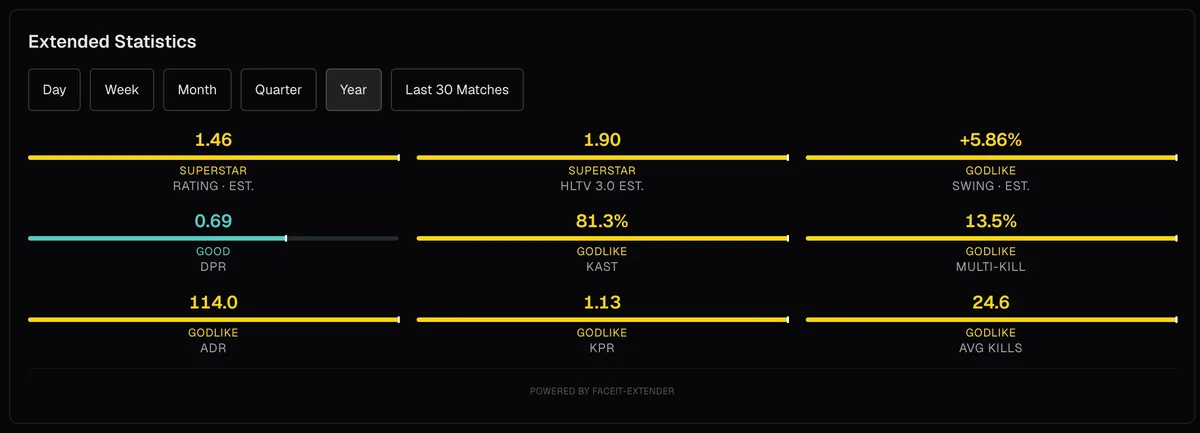
Give it a moment, then reload
If FACEIT Extender stats are empty, slow or stale, the cause is usually a page that has not finished loading, a switch that is off or FACEIT rate limits; this guide covers each fix.
The extension reads public FACEIT data for each player on screen, and FACEIT can update parts of a page after it first loads. In a busy lobby it may take a few seconds for every card to fill in.
- Wait about ten seconds on the page.
- Reload the page and let the match room finish loading before looking again.
- Check the data again. FACEIT can change sections dynamically.
Check that the feature is on
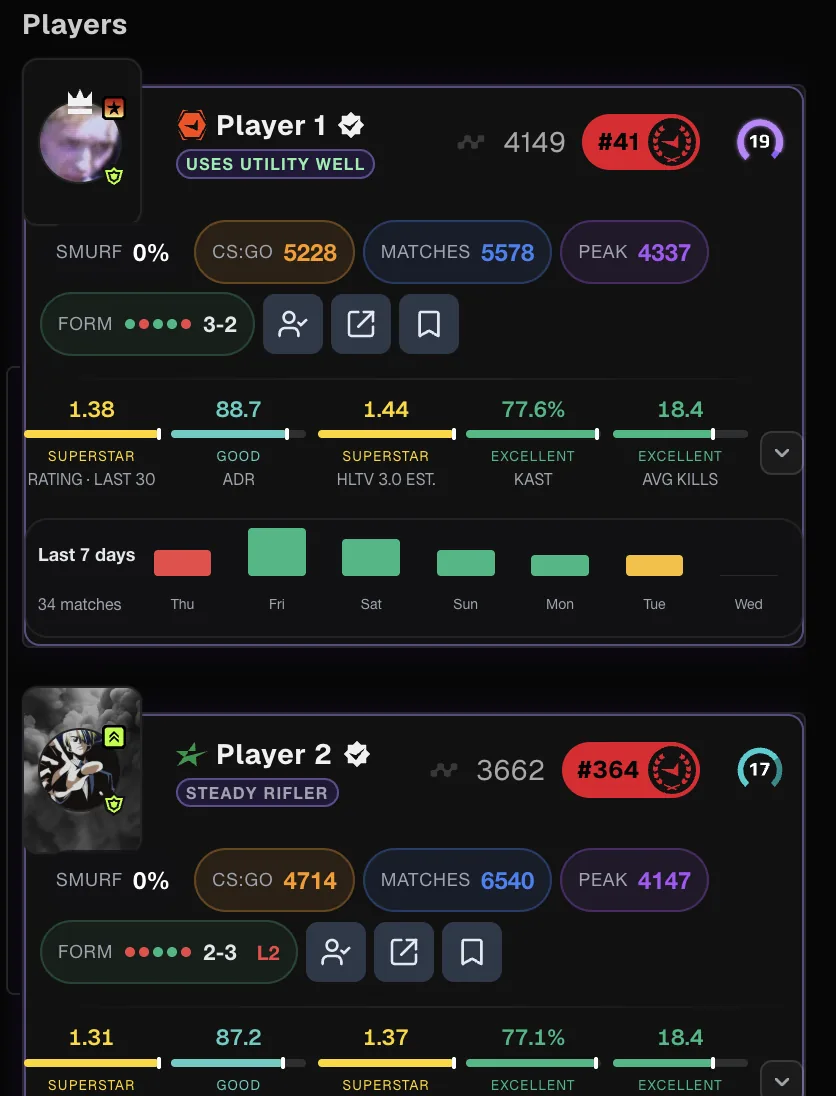
Match rooms, profiles and lobbies each have their own switches. A stat missing in one place may be on in another. Open the popup and look at the Matchroom, Player Profile and Player Lobby tabs, or search for the stat with Search toggles.
Extra rows such as clutch rates sit behind the stats arrow on the card. Look for the arrow if you cannot find them.
When there is not enough data
- New accounts, or players with few recent matches, may show limited stats.
- Private or restricted profile data is not shown.
- Estimates are labelled as estimates. The smurf figure, for example, is an estimate and not proof of anything.
- The AI Match Briefing is skipped when there is not enough data.
See how stats are read and the smurf guide.
Rate limits and FACEIT outages
FACEIT limits how many requests a browser can make. If it does, the extension shows FACEIT is rate limiting requests. Wait a moment, then try again. Do not keep opening new profiles: more requests slow things down.
When FACEIT is temporarily unavailable, the extension may load the same public data through our servers. These requests contain only the public profile or match being looked up.
Other causes
- A content blocker or VPN can block data requests. Pause it on faceit.com and reload.
- An out-of-date extension can miss a change on FACEIT. See updating.
- Another FACEIT extension can change the same elements; see hidden by other extensions.
If it persists, send a ticket from the support page with the page and player involved. Setup is on the download page.
What to tell us
A report is easiest to act on when we can reproduce it. Note the page type (match room, lobby, profile, history), what is missing or stale, whether it happens for every player or only some, and what you tried. A screenshot helps. Mention your browser and the extension version from the General tab.
- Open the contact form on the support page.
- Choose Bug report.
- Describe what you expected and what you saw instead.
- Add the FACEIT nickname involved if it is a public player, and the time it happened.
You can see what each display should show on the features page.
Stale numbers
To save requests, the extension keeps data it has already fetched for a short time instead of asking again for every card. That is why reloading is often enough to see a fresh result, and why opening many profiles in a burst does not make anything faster. If a figure looks old, reload once and wait for it to settle.
Related guides
FACEIT Extender is free for Chrome and Firefox: download it or read what it is and does.
Frequently asked questions
- Why do stats take a few seconds?
- In a busy lobby the extension reads data for many players. Stats may take a few seconds to load.
- Why do I see a rate limiting notice?
- It says FACEIT is rate limiting requests and that the extension closed FACEIT’s Action failed pop-up. If something you just did did not go through, try again in a moment.
- A player shows fewer stats than others. Why?
- Some features need enough match history. When there is not enough data, a display or the AI briefing is skipped rather than guessed.
Comments
Comments load in your browser.