
How-to
Make the CS2 demo viewer run faster in your browser
Small changes that make playback smoother on long demos and older computers.
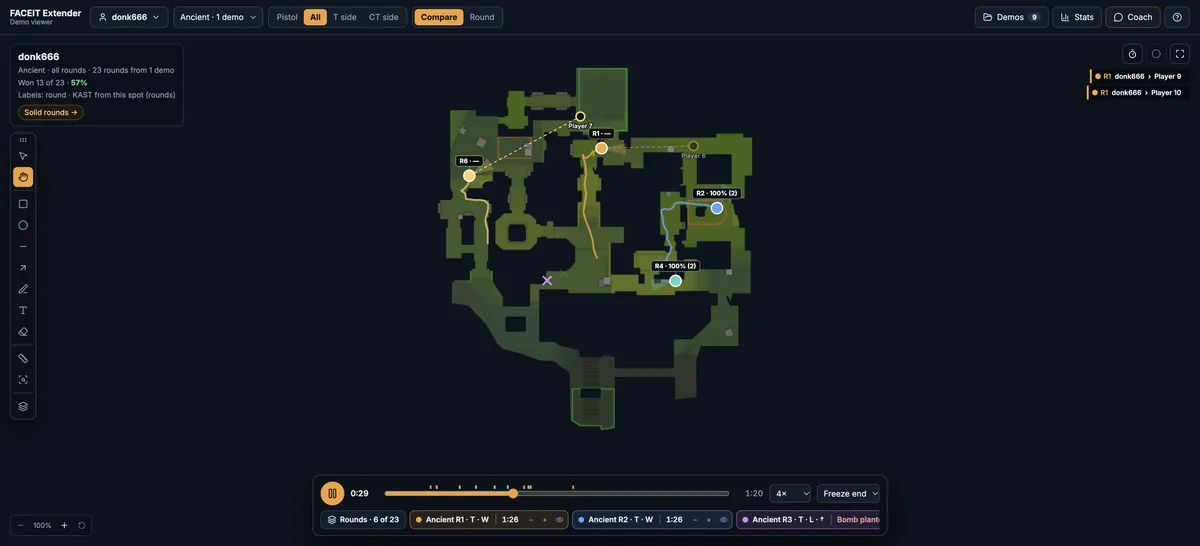
Draw less
If the FACEIT Extender demo viewer runs slowly in your browser, use fewer layers, fewer rounds, stick figures in 3D, full screen or a lighter workspace.
- Open the Layers tab (F7).
- Turn off anything you are not using: Sound rings, Shot tracers, View cones, Names.
- Turn off Paths (12s) when you only want the current positions.
Each layer is drawn many times a second, so a lighter set is smoother, especially on a laptop.
Select fewer rounds
In Compare, open the Rounds tab and use None, then tick only the rounds you need. Six readable rounds are better than twenty. You can also hide a round with the eye instead of unticking it.
Lighten the 3D view
- Use the Show stick figures button instead of player models.
- Switch off Cut away roofs above the players if you do not need it.
- Go back to the 2D map with Back to the 2D map when you only need positions.
The 3D engine only loads when you first ask for it, so 2D users do not pay for it.
Give the map room
Close the side panel with the arrow at its top when you do not need it, or use the Full screen button in the top bar. A smaller drawing area has fewer pixels to repaint, and a clear view of the map is easier to read as well. Close other heavy tabs and use a current desktop browser.
Keep the library focused
Untick demos you are not analysing in the Demo library, or use Analyse only this demo. Stats, Compare and the Coach then work through less data, and your chosen demo opens faster. Remove demos you no longer need.
A five-minute checklist
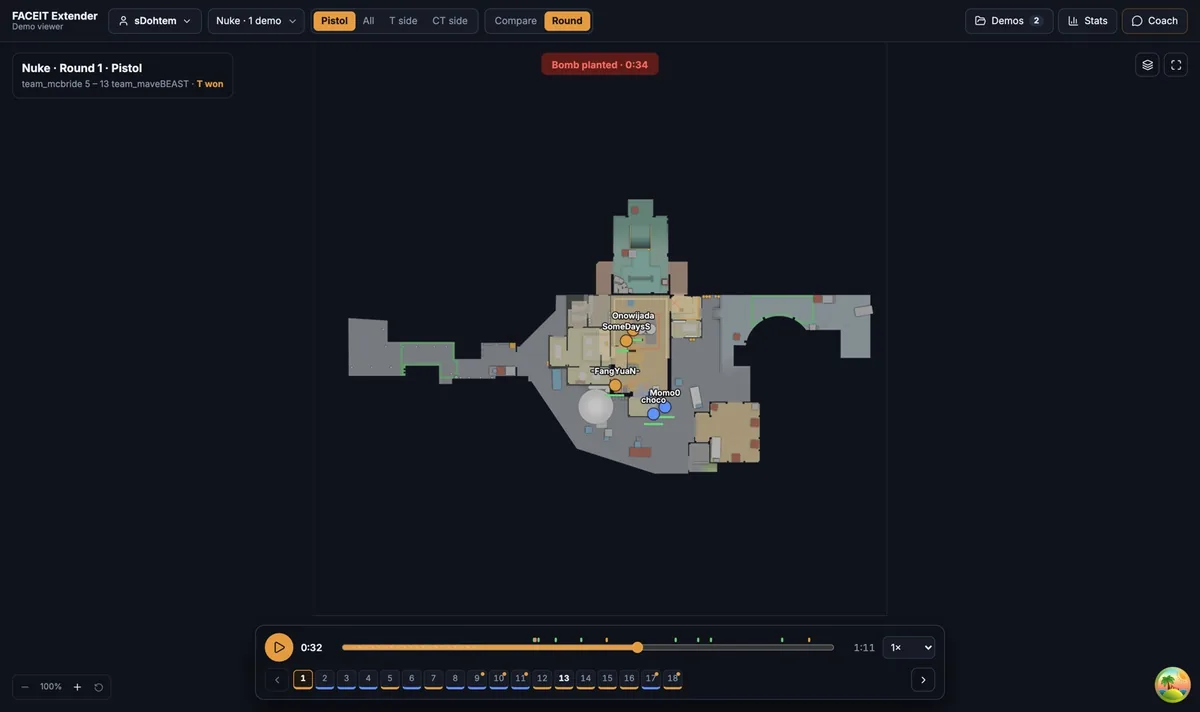
- Close the side panel and any other heavy browser tabs.
- Turn off Sound rings, Shot tracers and Names.
- Reduce Compare to six rounds with the First 6 preset.
- In 3D, choose stick figures and switch off roof cutaways.
- Reload the viewer. Your saved demos return from the library.
If it is still slow, the demo may simply be very long. Review it a few rounds at a time, and take a break between sessions so the browser can free memory.
Why length matters
A long overtime match has more rounds, more events and more data to draw. If you only need a few rounds, open them one at a time in Round view instead of stacking the whole match in Compare.
Most slowdowns come from drawing too much at once rather than from the demo itself, so adjust one thing at a time. Change a layer, watch the playback for a few seconds, and keep only the changes that helped.
Where to go next
If a file will not import at all, see how to open and troubleshoot demos. Open the free CS2 demo viewer to try it on your own matches, and install the extension if you want a Demo Viewer shortcut on finished match rooms.
Related guides
FACEIT Extender is free for Chrome and Firefox: download it or read what it is and does.
Frequently asked questions
- Why is Compare slow with many rounds?
- Every selected round is drawn at once. Use the quick select buttons to reduce the group.
- Does the 3D view need a powerful computer?
- It needs more than 2D. Switch to stick figures and turn off roof cutaways if it is slow.
- Will removing demos help?
- Leaving unused demos out of the analysis keeps Compare, Stats and the Coach lighter.
Comments
Comments load in your browser.