
Guide
FACEIT Extender permissions explained in plain words
Storage, site access, FACEIT sign-in and demo downloads: what each permission is for.
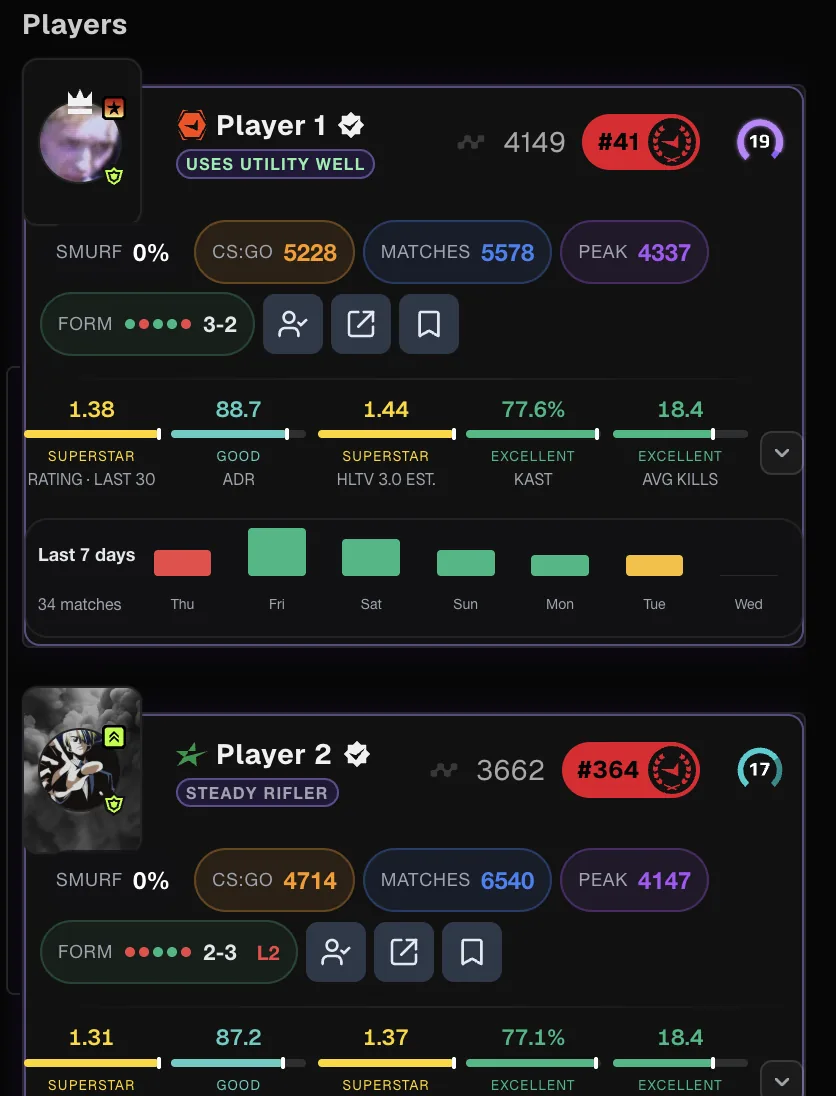
The short version
FACEIT Extender asks for a small set of browser permissions, runs its code on faceit.com only and keeps your settings in the browser; this guide explains why each permission exists.
The extension asks for a small set of permissions. Its code runs on faceit.com only, it keeps your settings in the browser, and the permissions below exist for specific features. If you remove the extension, they go with it.
This is a summary of what the permissions are for. The authoritative description of data handling is the Privacy Policy.
Each permission in plain words
| Permission | In plain words | What it is not |
|---|---|---|
| Storage | Saves your settings and player notes in your browser. | Not an account; nothing is created for you elsewhere. |
| Access to faceit.com | Lets the extension add cards, stats and panels to FACEIT pages. | Not access to other websites. |
| Identity | Opens the FACEIT sign-in window when you choose Sign in with FACEIT. | Not a way to read your browser profile. |
| Cookies | Lets the extension use your existing FACEIT session to request a demo download from FACEIT. | Not a way for us to receive your login. |
| Our server | Used by optional features such as the AI Match Briefing, supporter tokens and contact. | Not used to send your password or session. |
| FACEIT demo storage | Lets the extension fetch a demo you open in the viewer. | Not an upload of your demo to us. |
Things that only happen when you choose
- Features that act on your behalf, such as auto-accept, automatic reporting and Ultrablocker, are off until you switch them on.
- AI features run only when you use them, and they send a limited set of data. See what the extension sends.
- The partner minigame is optional and can be switched off with Enable Commercial on the General tab.
The extension never sends your FACEIT login or session to our servers. To download demos, it uses your existing FACEIT session only to request them from FACEIT.
How to check what is installed
- In Chrome, open the Extensions menu, choose Manage extensions, then Details for FACEIT Extender. In Firefox, open Add-ons and themes, select it, then the Permissions tab.
- Review the site access and permissions listed there.
- Change site access if you want it restricted, then reload your FACEIT tabs.
Restricting faceit.com access will stop features from appearing; see the extension is not showing. Install steps are on the download page.
Questions about a permission
If a permission prompt worries you, ask before installing. Use the contact form on the support page or email the address in the Privacy Policy.
Where to read more
Permissions are one part of the picture. The other part is what each feature does with the data it can see. The features overview lists every feature and its switch, so you can match a permission to the feature that needs it.
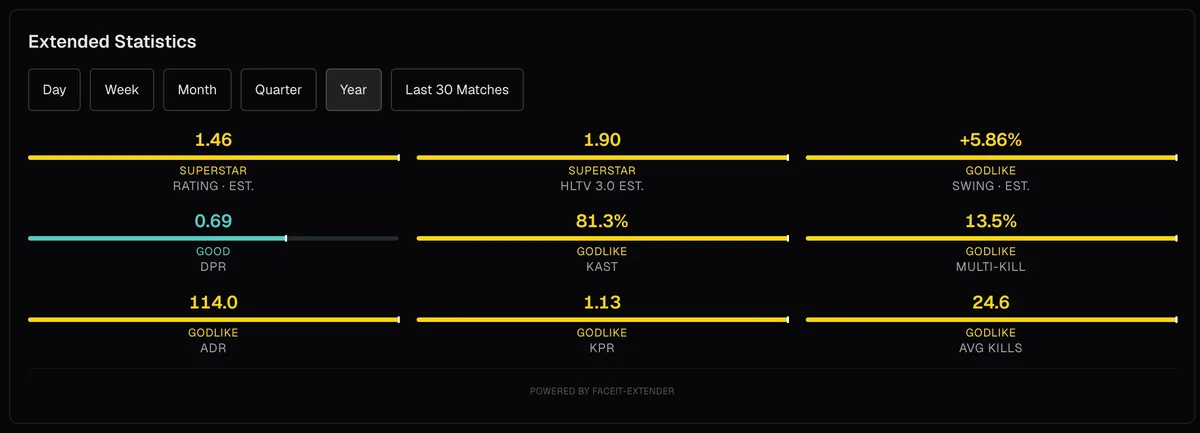
- Core displays (player cards, stats, map stats) read public FACEIT data in your browser.
- Demo viewing needs the demo download permission; the demo is parsed on your device.
- Sign-in features need the identity permission, and only when you choose to sign in.
- AI features send limited data to our server, only when you use them.
If you want the least access possible, use the Minimal preset, leave automation off, and skip signing in. You still get the core information on FACEIT pages.
Related guides
FACEIT Extender is free for Chrome and Firefox: download it or read what it is and does.
Frequently asked questions
- Can the extension read all my browsing?
- No. Its page access is limited to faceit.com. It does not run on other sites.
- Does it get my FACEIT password?
- No. It never asks for or sees your password.
- Why does it need access to FACEIT’s download servers?
- To fetch a demo file for the viewer. The demo stays on your device.
Comments
Comments load in your browser.